
Blog
Family Planner App vs Paper Planner: Which Is Better for Busy UK Parents?
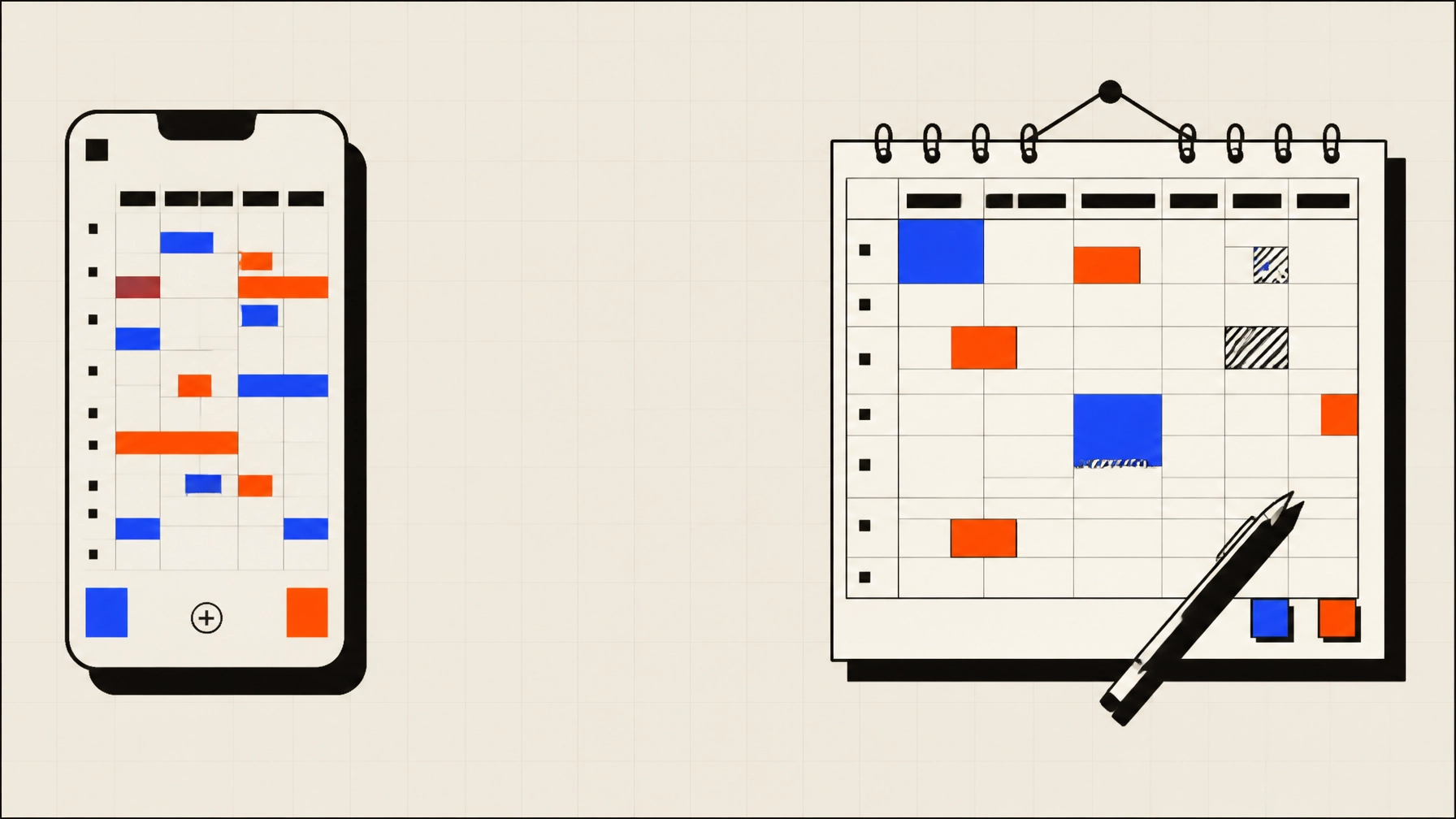
For busy UK parents, keeping track of school dates, clubs, appointments, work commitments and family plans can become a job in itself.
A paper planner can make the week visible. A family planner app can keep everyone working from the same information. Each approach has practical strengths, and neither needs to be used alone.
The right choice depends on how many people need access, how often plans change and whether reminders matter. For many households, a simple combination of digital planning and a visible paper overview is the most workable arrangement.
Quick verdict
| Planning need | Family planner app | Paper planner |
|---|---|---|
| Shared access between adults | Strong | Limited |
| Automatic reminders | Strong | Not available |
| Quick notes | Good | Strong |
| Visibility for younger children | Moderate | Strong |
| Changes during the day | Strong | Moderate |
| Works without a device | No | Yes |
| Searchable history | Strong | Limited |
| Co-parenting between households | Strong | Difficult |
| Setup and maintenance | Requires an agreed system | Simple to start |
| Best overall use | Shared, changing schedules | Visible weekly overview |
Verdict: use a family planner app as the shared source of information when several people need to coordinate. Add a paper planner if a visible kitchen or hallway display helps children and adults understand the week.
What a family planner app does
A family planner app gives a household one digital place for dates, activities and reminders.
A basic setup might include:
- School term dates and inset days
- Clubs, lessons and regular activities
- Medical and dental appointments
- Childcare and school collections
- Birthday parties and family visits
- Work commitments that affect availability
- Reminders for forms, kits, payments and preparation
Some family organisation app products also include shopping lists, meal planning, tasks or document storage. These features can be useful, but they are not essential for every household.
The important point is shared access. If one parent adds a change, the other parent can see it without waiting for a message or checking a sheet of paper.

Where an app is more practical
1. Several people need the same information
A digital calendar is useful when both parents, grandparents or older children need to check the schedule.
It can also support co-parenting arrangements where plans need to be visible across two homes. A paper planner can still work, but the information has to be copied or shared manually.
2. Plans change during the day
Family schedules often change because of late meetings, cancelled clubs, traffic, illness or a message from school.
With an app, one update can replace the old version for everyone. A paper planner needs the original entry to be crossed out and the replacement written clearly. This is manageable for occasional changes, but less reliable when the schedule moves frequently.
3. Reminders are important
A calendar shows when an event happens. A reminder can show what needs to happen beforehand.
For example:
- Pack swimming kit the night before
- Sign a school trip form
- Buy a birthday present
- Prepare a packed lunch
- Leave home by a particular time
An app can provide these reminders without requiring someone to notice the relevant entry. This can reduce the chance of small preparation tasks being missed.
Reminders should be limited to useful prompts. If every event creates several notifications, important alerts can become easier to ignore.
4. The family is often away from home
A paper planner is useful when everyone is in the kitchen or hallway. It is less useful when a parent is at work, a child is at a club or a grandparent is collecting from school.
A family planner app UK households can access from a phone gives the schedule a wider reach. It can be checked before agreeing to a new appointment or while travelling between activities.
Where paper planning still works well
Paper planning remains useful because it is immediate and visible.
A large wall planner can show the main shape of the week without requiring a phone, account or password. Younger children may understand coloured blocks and simple drawings more easily than a digital calendar.
Paper can also be quicker for a short note. Writing “bring PE kit Thursday” may take less effort than unlocking a phone and opening an app.
Other practical strengths include:
- No battery or internet connection is needed
- The whole household can see it in one place
- Children can add stickers or use coloured pens
- Visitors and grandparents can understand the main plan
- It can remain visible throughout the day
- It does not require software updates or account management
Paper also gives the week a physical boundary. A single page can make it easier to see whether the household has taken on too many commitments.

The limits of a paper planner
The main weakness of paper is that it creates one physical version of the schedule.
If the planner is on the kitchen wall, it may not be available when someone is at work or away from home. If a date changes, everyone needs to notice the update. If an event is written unclearly, the result can be a second message to confirm the details.
Paper also has limited space for preparation information. A school trip may need a time, location, packed lunch, permission slip and payment deadline. These details can fit in a paper planner, but the page can become crowded.
A paper planner is less suitable when:
- More than one household needs access
- Plans change regularly
- Several adults share responsibility
- Reminders are often forgotten
- Older children need to check the schedule independently
- Past events need to be searched quickly
These limits do not make paper planning ineffective. They show where a digital system can provide support.
The case for a hybrid system
For many families, the most practical solution is not choosing one method.
Use the app as the detailed source of information. Use paper as the household display.
The digital version can contain:
- Full event details
- Locations and travel time
- Responsibility for school runs
- Preparation reminders
- Recurring activities
- Unconfirmed plans
- Links to school or booking information
The paper version can show:
- The current week
- School events
- Clubs and lessons
- Early finishes
- Important appointments
- The evening meal
- A small number of household tasks

The two systems should not become separate sources of truth. Decide which one holds the full information, then copy only the most useful items to the other.
For example, the app could hold a full entry for a school trip, while the paper planner shows only “museum trip, packed lunch”. The details remain available on the phone if someone needs them.
How to choose a family organisation app
A family organisation app should fit the way the household already works. More features do not always create a better system.
Check whether the app makes it easy to:
- Add and edit shared events.
- Invite the adults and children who need access.
- Set recurring activities.
- Add useful reminders.
- Include locations and notes.
- Mark uncertain plans as provisional.
- See the week without excessive detail.
- Use the app across the devices in the household.
- Understand how personal information is stored.
- Export or remove information if needed.
Start with the calendar. Add tasks, shopping lists or meal planning only if they solve a clear problem.
The same principle applies to paper. Begin with one week and a small number of categories. Too many colours, symbols and entries can make either system harder to use.
Use free time as well as obligations
A family schedule should not only record appointments and responsibilities. It can also make open time easier to use.
When a free afternoon appears, Family Activity Finder helps families search for UK activities by postcode, children’s ages, date, distance and weather.
Once a plan is chosen, add it to the shared calendar or paper planner. This gives family time a clear place in the week without requiring every open hour to be filled.
For a straightforward setup, the five-minute family schedule method is a useful starting point. It begins with one shared place, fixed school dates, regular routines, upcoming events and a small number of reminders.
If a simple activity search tool would be useful, Download Family Activity Finder on the App Store or get Family Activity Finder on Google Play.
The practical answer
A paper planner is best when visibility, simplicity and child participation matter most.
A family planner app is best when plans change, several people need access or reminders help with preparation.
For most busy UK parents, an app provides the more reliable shared record. A paper planner can then act as a simple display in the kitchen or hallway.
The best system is the one the household can check and update without friction. Keep it limited to useful information, mark uncertain plans clearly and review the coming week at a regular time.